Updated 7 November 2026
Facts and pictures.
Free to use.
For articles, videos and listings about LocalSR.
Facts
| Name | LocalSR |
|---|---|
| What it does | Upscales, denoises and restores photos and videos with AI models, on your own computer |
| Developer | Hermes Reisner, computer science student at Uni Basel, Switzerland |
| Version | v0.6.3-beta, public beta |
| Platforms | macOS 14 or later on Apple Silicon, signed and notarized. Windows 10 and 11 and Linux on x86-64, with less testing. |
| Price | Free. MIT license, no account, no in-app purchases and no advertising. |
| Network | An update check with an anonymous count you can turn off (Mac only), and the models you choose. Nothing you process is uploaded. Details. |
| Download | localsr.com/download, or on a Mac brew install --cask herrei/tap/localsr |
| Source | github.com/HerRei/local-upscale |
| Contact | hermes.reisner@gmail.com |
In a few sentences
LocalSR is a free desktop app for upscaling photos, cleaning up noise and blur, and enhancing video. Choose an image, pick Quick or Best, and compare the result with your original. The models run on your computer; your photos stay there too.
On Apple Silicon Macs, Quick and Best run through Core ML on the Neural Engine or the GPU. On an M1 Pro, that made them two to three times as fast as in 0.2. LocalSR is open source and made by one person alongside uni.
Pictures
- App icon, 1024 × 1024 PNG
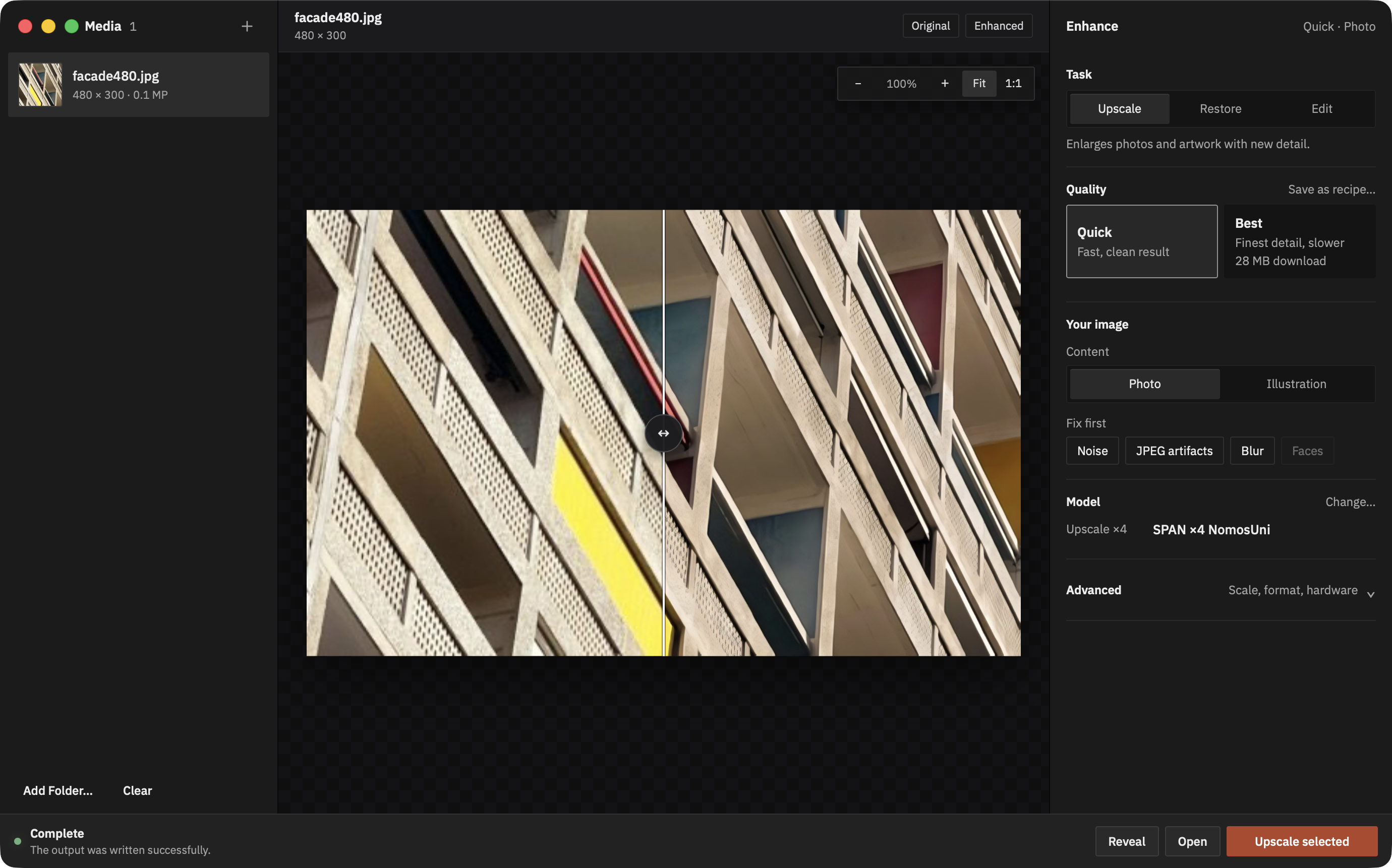
- Window, 2760 × 1722 WebP
- Model library, 2760 × 1722 WebP
- Before and after: original detail, 160 × 80 PNG, and 4× result, 640 × 320 WebP

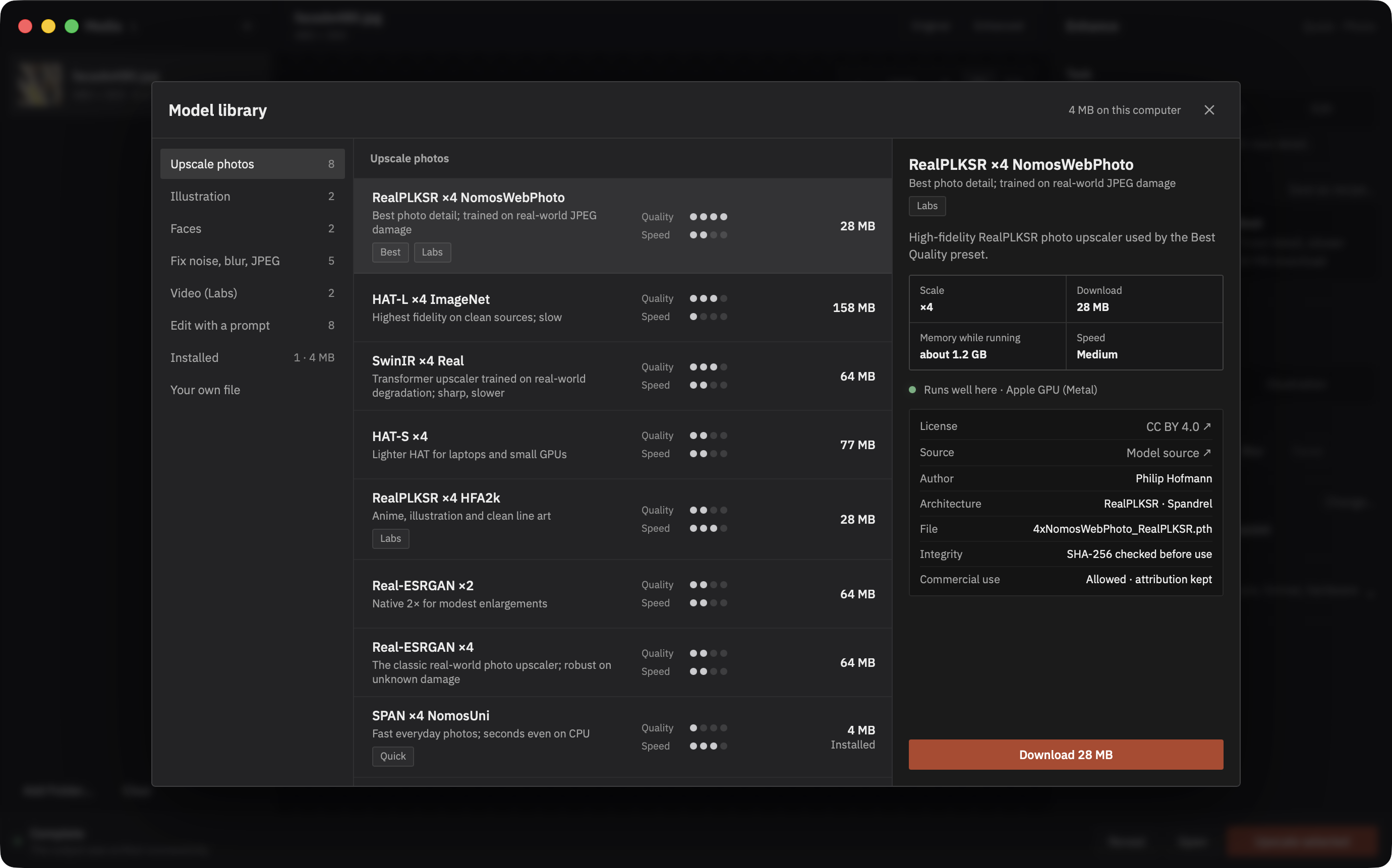


The window pictures are unedited captures of LocalSR 0.2 on macOS. The photo is by Tim Ziegelbaum on Unsplash, and the result is real output from Quick with no added sharpening. Image and model credits.
Removing it
On a Mac, quit LocalSR and move it to the Trash. Then delete ~/Library/Application Support/LocalSR, which holds the models, settings and queue, and ~/Library/Caches/LocalSR. If you turned on the Finder action, also delete ~/Library/Services/Enhance with LocalSR.workflow. Exported files stay where you saved them.